
Screenshots
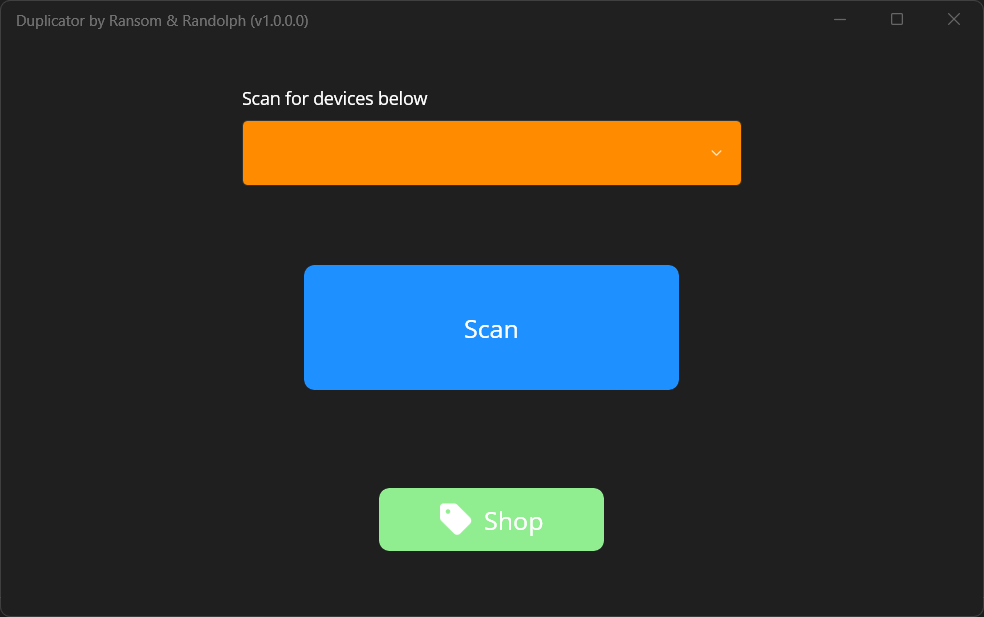

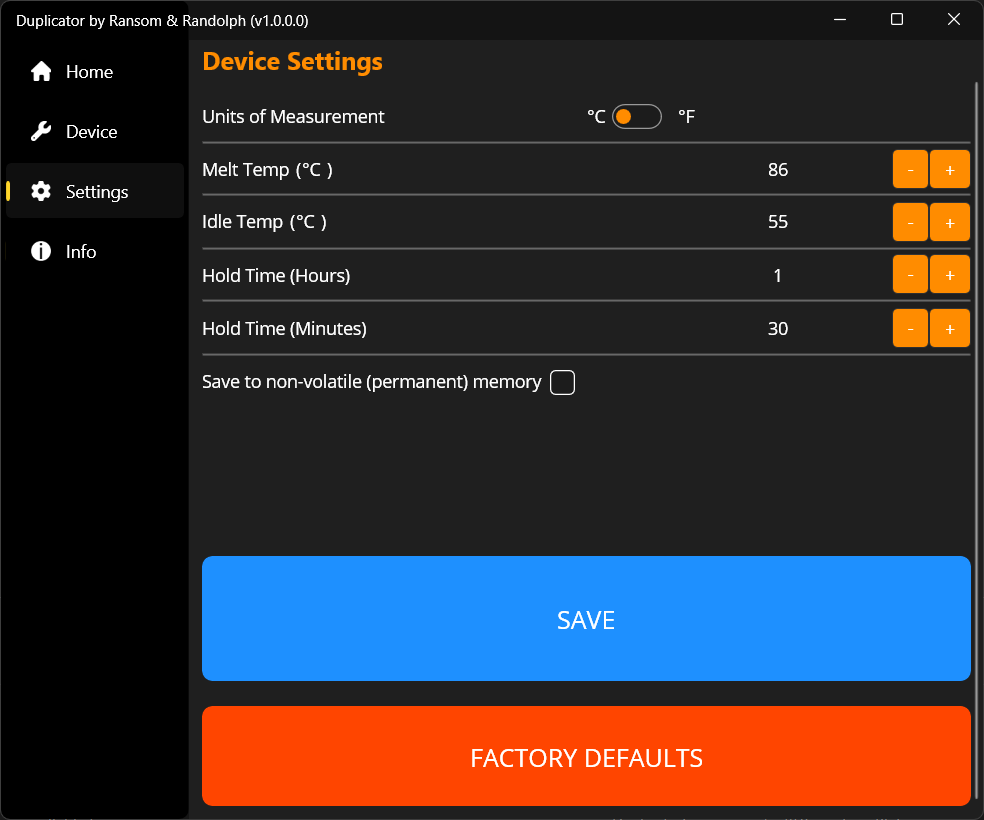
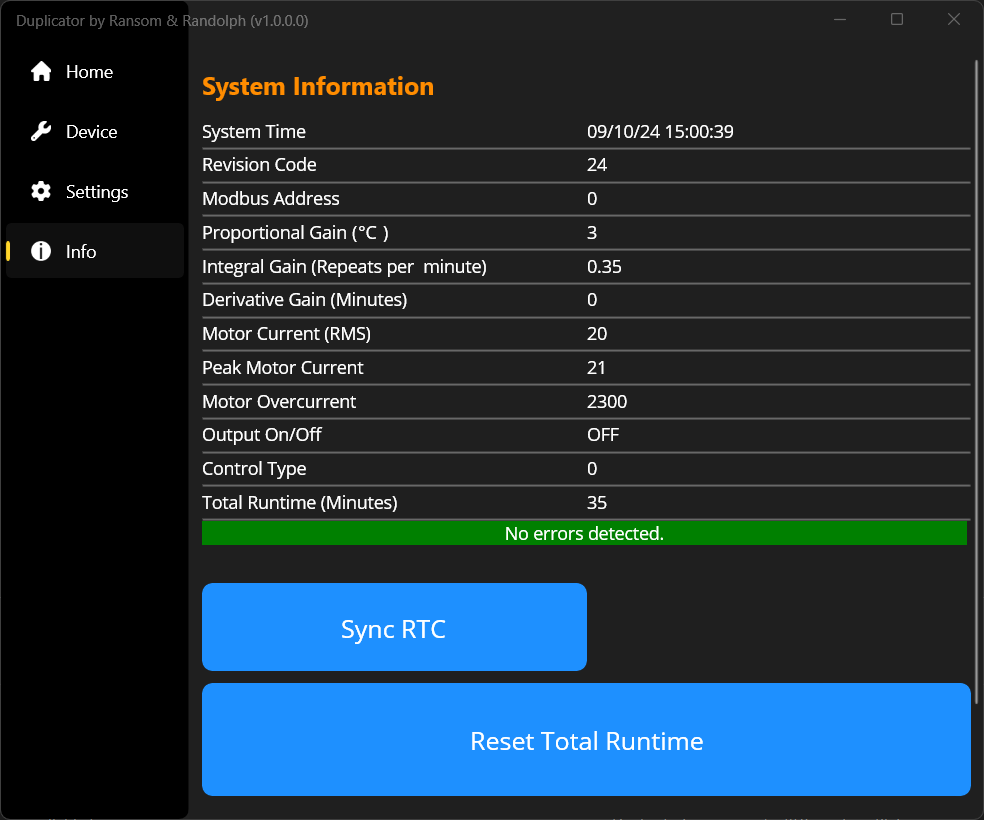
App details
- Updated
- 2024-09-11T09:15:25.9579805Z
- Requires
- Windows 10 version 19041.0 or higher
- Language
- English
- Developer
- Oven Industries
- Category
- Mobile
SoftPas in:
This product is also available in the following languages:
About Duplicator Companion App
Download Duplicator Companion App – Bluetooth, monitoring, control, utility, productivity, tool, smartphone, mobile app, Android, Neycraft Multizone
Overview
The Duplicator Companion App is a specialized utility designed to enhance the functionality of the Neycraft™ Multizone™ duplicating system. Built for users who rely on precise, efficient duplication processes, the app serves as a digital interface that streamlines control and monitoring through Bluetooth connectivity. It addresses common challenges associated with manual operation, such as limited visibility of duplication progress and the need for physical proximity to the device. By enabling remote management, the app improves workflow efficiency and reduces operational errors.
Target users include professionals in manufacturing, packaging, and small-scale production environments who require consistent output quality and real-time oversight. The app is particularly beneficial for teams managing multiple duplication tasks simultaneously, where centralized control and monitoring are essential. While the developer, Neycraft™, is known for hardware innovation, specific details about the company’s broader background were not provided. The app integrates into the larger ecosystem of smart production tools, positioning itself as a critical component for modernizing traditional duplication workflows.
Real-world applications include monitoring batch duplication in industrial settings, adjusting settings mid-process, and receiving alerts for system status changes. Its role in enhancing operational transparency and responsiveness makes it a valuable asset in environments where productivity and precision are paramount.
Key Features & Functionality
- Bluetooth Integration: The app connects directly to the Neycraft™ Multizone™ system via Bluetooth, enabling wireless control and real-time data transmission. This eliminates the need for physical cables, allowing users to manage the duplicating process from a distance. A practical use case involves a technician overseeing multiple units across a production floor without being tethered to a single device.
- User-Friendly Interface: Designed with simplicity in mind, the interface presents key controls and status indicators in an intuitive layout. Even users with minimal technical experience can navigate the app with ease. This reduces training time and supports consistent operation across teams.
- Enhanced Monitoring Tools: Users receive real-time updates on duplication progress, including task completion percentages, system status, and potential anomalies. This feature allows for immediate response to interruptions or deviations, improving output quality and minimizing waste.
- Customizable Settings: The app allows users to adjust duplication parameters such as speed, sequence, and output preferences. These settings can be saved for recurring tasks, supporting workflow personalization and repeatability across projects.
- Ongoing Support and Updates: The developer commits to regular updates, ensuring the app remains compatible with evolving hardware and includes new features. This long-term support enhances reliability and ensures users benefit from continuous improvements.
Interface, UX & Performance
The Duplicator Companion App features a clean, minimalistic interface that prioritizes clarity and accessibility. Navigation is streamlined, with core functions placed within easy reach of the main screen. Visual indicators, such as progress bars and status icons, provide immediate feedback on system activity, reducing cognitive load during operation.
Although the developer did not list formal performance metrics, the app appears optimized for smooth interaction on standard Android devices. Users can expect responsive touch input and stable connectivity during Bluetooth sessions. The app maintains consistent performance across different device categories, including mid-range and high-end smartphones, though specific device compatibility details were not disclosed.
Stability is supported by the app’s focus on essential functionality, avoiding unnecessary animations or resource-heavy elements. The design philosophy emphasizes reliability over visual flair, aligning with its role as a productivity tool. While no reported issues were mentioned, the absence of user feedback data means real-world performance under heavy usage remains unverified.
Platform Compatibility & Technical Requirements
The Duplicator Companion App is available exclusively on the Android platform. It requires Android OS, though the exact minimum version was not specified. The app has a file size of 12.4 MB, indicating a lightweight footprint suitable for devices with limited storage capacity.
Given its reliance on Bluetooth, the app is designed to work with Android devices that support Bluetooth 4.0 or later. However, the developer did not provide a detailed list of technical requirements, including RAM, processor specifications, or supported Bluetooth profiles. Compatibility with specific Neycraft™ hardware models was also not fully disclosed.
Users are advised to ensure their device supports Bluetooth connectivity and has sufficient system resources to maintain stable communication with the duplicating system. The app’s lightweight design suggests broad compatibility, but no guarantees can be made without further technical documentation.
Pros and Cons
Pros
- Seamless Bluetooth integration for wireless control and monitoring
- Intuitive interface suitable for users of all experience levels
- Real-time progress tracking enhances workflow transparency
- Customizable settings for personalized duplication workflows
- Free to download and use, with ongoing developer support
Cons
- Platform availability limited to Android only
- No information on minimum OS version or device requirements
- Specific hardware compatibility details not disclosed
- Developer did not provide performance benchmarks or stress test results
- Limited visibility into update frequency or changelog transparency
FAQ
Is the Duplicator Companion App available for iOS?
The app is currently available only on the Android platform. There is no official information indicating iOS support at this time.
Do I need a specific Bluetooth version to use the app?
The app relies on Bluetooth for connectivity, but the developer did not specify the required Bluetooth version. It is recommended to use a device with Bluetooth 4.0 or higher for optimal performance.
Is the app free to download and use?
Yes, the Duplicator Companion App is free to download and use. There are no in-app purchases or subscription fees reported.
How often does the app receive updates?
The developer states that the app is regularly updated, though the frequency of these updates has not been disclosed. Users are encouraged to keep the app current for best performance.
Can I use the app with other Neycraft™ devices?
While the app is designed for the Neycraft™ Multizone™ duplicating system, compatibility with other Neycraft™ hardware models was not confirmed. Users should verify device compatibility with the developer.
Final Thoughts
The Duplicator Companion App stands out as a focused, functional tool that significantly improves the usability of the Neycraft™ Multizone™ duplicating system. Its Bluetooth-based control and real-time monitoring features address key pain points in industrial and production workflows, offering a modern solution to traditional duplication challenges. The clean interface and customizable settings ensure accessibility and adaptability across different user profiles.
While the app’s platform exclusivity to Android and lack of detailed technical specifications are notable limitations, its core functionality remains robust and purpose-built. For professionals in production environments who rely on the Neycraft™ system, this app delivers tangible value in efficiency, accuracy, and convenience.
Download Duplicator Companion App now
Guides & Tutorials
How to install Duplicator Companion App
- Click the Download button above.
- Once redirected, accept the terms and click Install.
- Wait for the Duplicator Companion App download to finish on your device.
How to use Duplicator Companion App
This software is primarily used for its core features described above. Open the app after installation to explore its capabilities.
User Reviews
No reviews yet. Be the first to share your experience.
You may also like
more
Que no te pillen¡
About !Que no te pillen¡Reviewed by Jason A. BilbreyShow MoreShow Less

3D Combat Zone
About 3D Combat ZoneOriginally released in 1983, 3D Combat Zone immerses players...

666: El día del portal
About 666: El día del portalOn June 6, 2006, Agent P. Stone uncovers a sinister...

80 in 1 Best Flash games
About 80 in 1 Best Flash games 80 in 1 Best Flash games is a collection of 80 fl...

ABYSS SEEKERーーWhat Do You See Deep in The Abyss
About ABYSS SEEKERーーWhat Do You See Deep in The AbyssIn ABYSS SEEKER, players...

ACA NEOGEO THE KING OF FIGHTERS 2002 for Windows
About ACA NEOGEO THE KING OF FIGHTERS 2002 for WindowsTHE KING OF FIGHTERS 2002,...